Advanced Sky Masking.
Seamless sky replacement for complex detail and trees.
The Masterclass Goal: Perfect sky replacement.
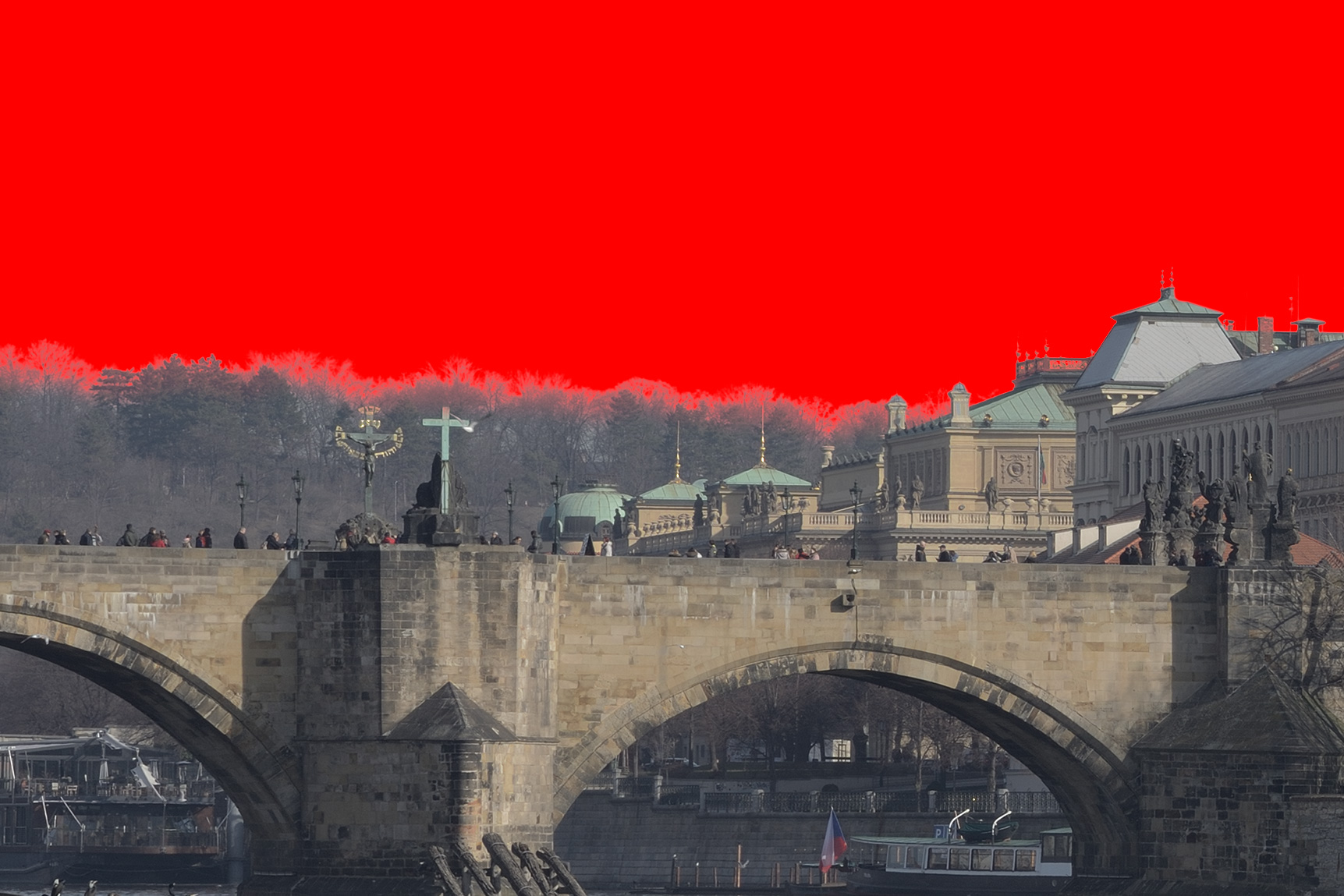
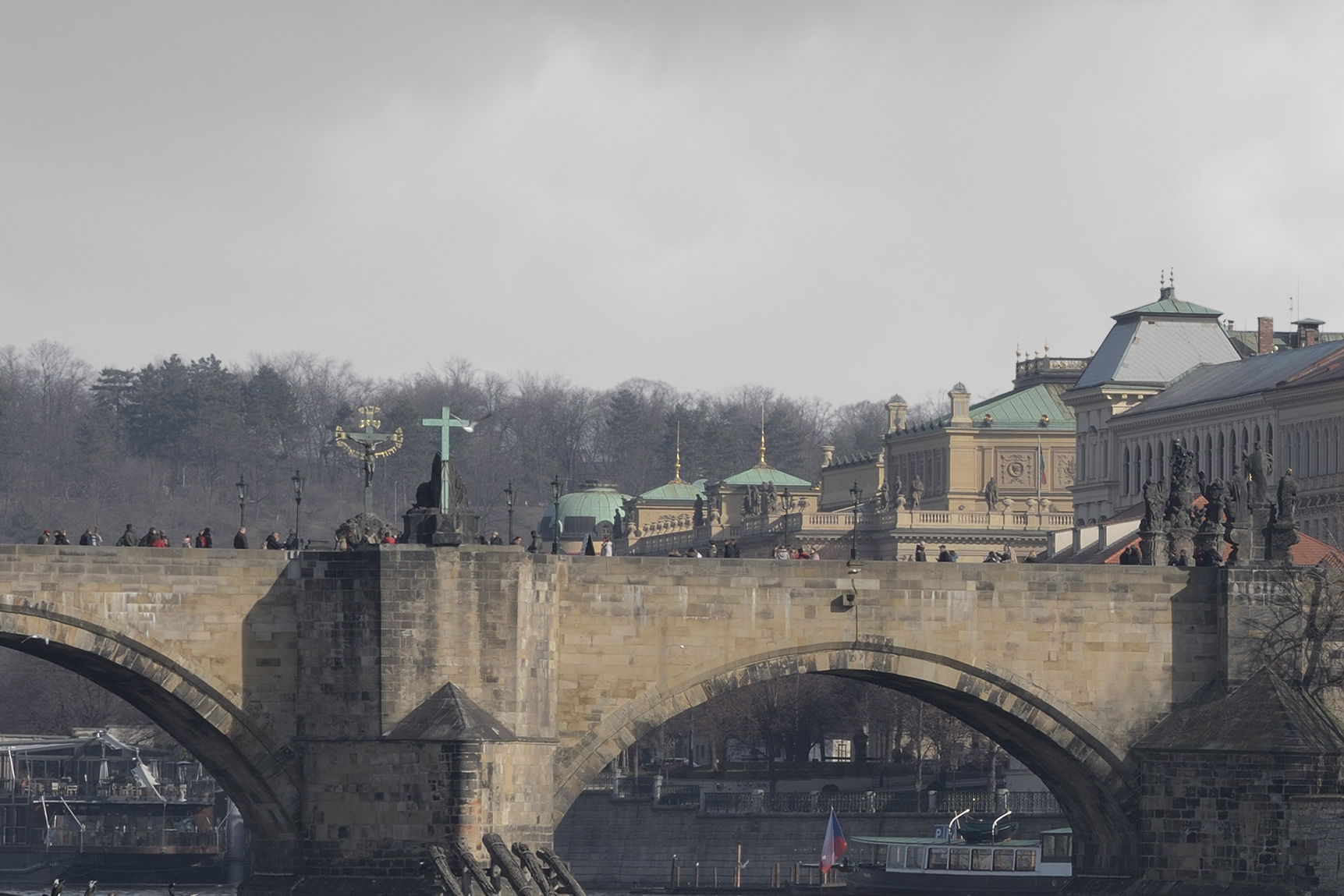
A photo often fails not because of its composition, but because the sky fails to tell the story. Whether travelling globally or shooting locally, you are often at the mercy of less-than-ideal weather or very limited time. My Advanced Photoshop Masking masterclass gives you the control to rescue bad situations. I’ve designed a unique masking process that achieves pixel-perfect precision where native tools fail – specifically in the complex gaps between branches. This course will focus on high-precision, artefact-free sky replacement for artistic travel and outdoor photography. – Understanding the critical importance of the sky to convey mood and drama without displaying any tell-tale signs of sky replacement.
Benefits for your Photography.
1. The Photoshop masking limitation. Photoshop has no built-in tool or process for accurately masking a sky behind small, complex details such as tree branches and leaves. Therefore, I had to develop a technique tailored to handle these fine details with pixel-perfect precision and no artefacts. This is the technique I teach.
2. Rescue your travel photos. Photographs often fail because the sky lacks mood or atmosphere, for example, a flat blue sky. The ability to replace the sky with one that sets the mood more powerfully can rescue many photos that you would otherwise reject. You may have potentially great photos, but the sky lets them down.
3. Undetectable “Invisible” editing. There is nothing worse than replacing a sky and letting everyone know you did so, because the artefacts of the join tell viewers you did so. If we replace a sky, it must be done perfectly so the viewer never questions the fact. People won’t question the illusion if we don’t give them a reason to.
4. Storytelling. The sky is the unsung hero of pictures. The sky is often overlooked and unimportant. In fact, the sky sets the image’s mood, drama, and atmosphere. It’s the quiet hero of all images. – Most of the time, to set the mood we want and create the story we want to tell, we need to change the sky to an appropriate one.
5. The practical benefit. When travelling overseas or outdoors, time is often limited, and weather conditions are rarely perfect. The physical subject of our image is not going anywhere; we can shoot that when the light is correct. However, waiting for the perfect sky could mean days, weeks, or months. It’s not a practical solution.
Requirements & Free Video Recordings.
Sessions are held online via Zoom video conferencing. I will email you a meeting link before the session, and sessions are recorded live as documentation. – Please note: These recordings and their content remain the copyright and intellectual property of David Osborn. – They are for your private use only and may not be shared, reproduced, or used commercially, including on social media. Enrollment constitutes your agreement to these terms. I teach using Photoshop; the concepts taught can be applied to any image-editing software. Photoshop just allows greater control and better creative freedom.
Let’s Talk …
Let’s chat live on a video call first, free of charge, with no obligation, and answer any questions or concerns you may have before making a booking. Just email me, and we will arrange a date to talk in person.
David Osborn Photography
69 Grange Gardens, Southgate,
London N14 6QN, England.
UK +44 (0) 771 204 5126
David@DavidOsbornPhotography.com