
Photoshop for Photographers.
Learn Photoshop as a beginner.
The Masterclass Goal: Learn and convert to Photoshop.
Many photographers feel limited by Lightroom’s global sliders; they create digital artefacts that make images look ‘fake’. Lightroom is popular and intuitive, but it has significant creative limitations – leading to a generic style where everyone’s photos look the same. Photoshop is the creative tool that turns our knowledge of how pictures work into actual pictures that work. I walk you through every step of the photographer’s workflow and prove that Photoshop is more logical than Lightroom. In a few hours, you will be flying solo with the creative freedom to realise your vision without being held back by camera or software limitations. Lightroom has creative limitations, and Photoshop has unlimited freedom.
Benefits for your Photography.
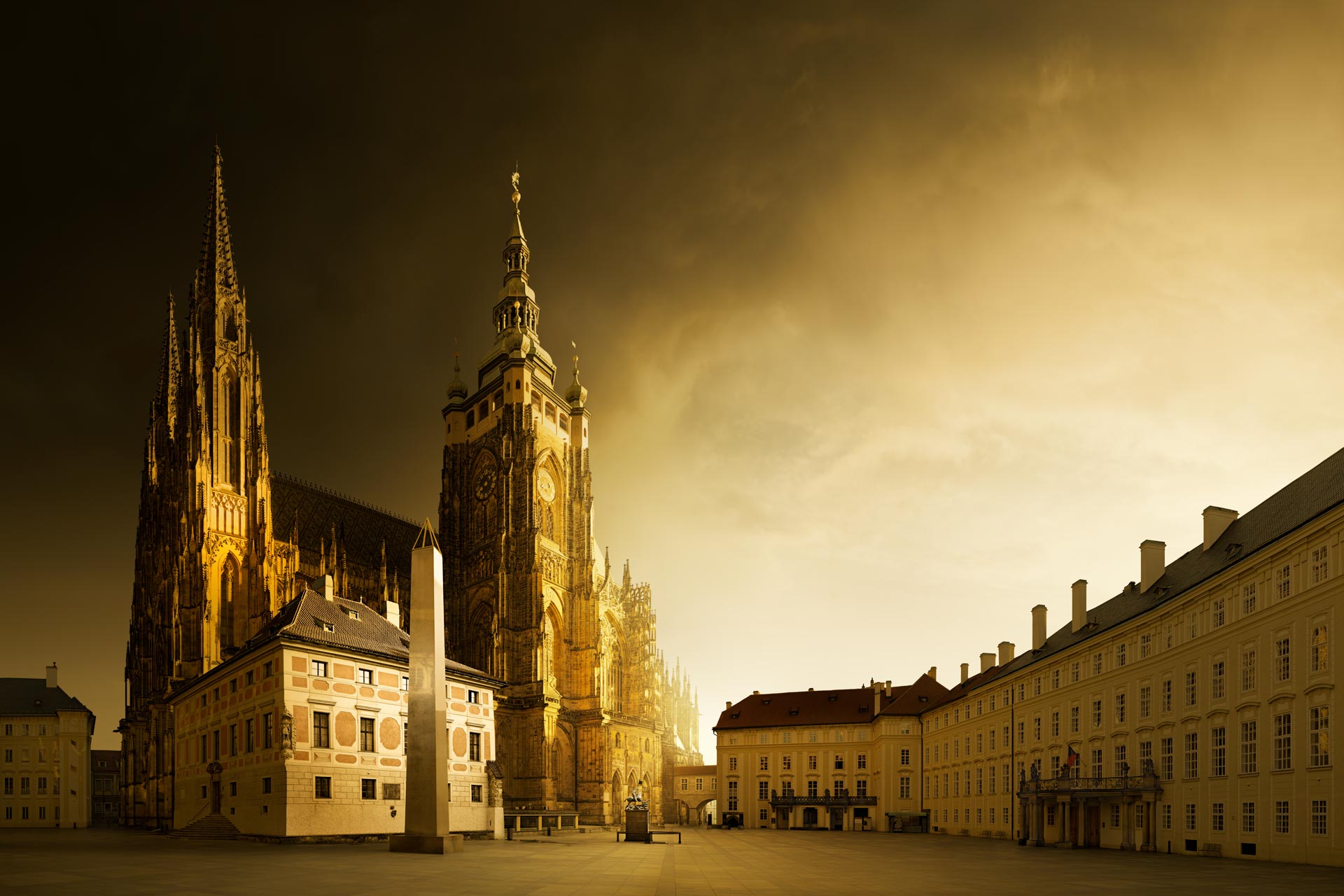
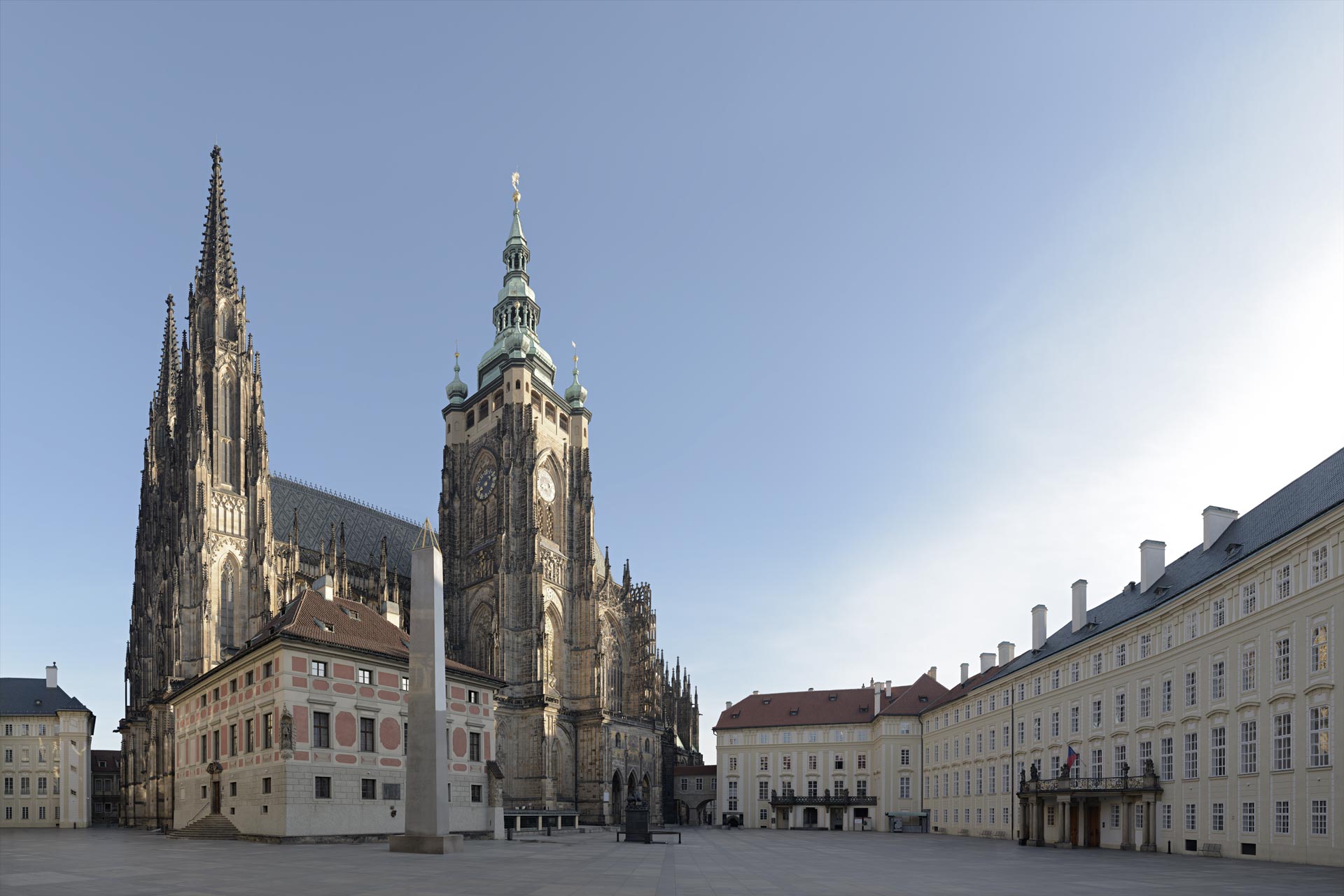
1. Pixel-perfect precision. Lightroom is designed for large-area adjustments, which often leave “tell-tale” digital artefacts and haloes. You will learn to use Photoshop’s surgical precision to adjust light and shadow without a trace, ensuring your images look professional and natural rather than artificial and ‘fake’.
2. Breaking the generic look. Because Lightroom is limited to using a single frame and basic sliders, it produces a generic and universal style. You don’t have the most critical creative freedom – the ability to combine information from multiple frames. Therefore, there’s a whole world of creativity you don’t have access to.
3. A consistent, logical workflow. Lightroom’s interface is becoming increasingly complicated with ‘bolt-on’ features, but Photoshop’s underlying logic has remained the professional standard for decades. – When you learn Photoshop, you will gain a stable, future-proof workflow that is faster and more intuitive than Lightroom.
4. Mastering a Non-Destructive workflow. You will learn all the core principles of layers, groups and masks, the fundamentals of Photoshop. I’ll demystify the ‘layer’ process, and it’s surprisingly easy and logical. We only have three core principles to learn. Photoshop is no more complicated than Lightroom.
5. Building your unique artistic future. You can’t produce your own artistic vision and style, your signature, using tools that limit your creativity and freedom. Generic presets won’t replace individual self-expression. If you want to stand out from the crowd, Photoshop is the only way to achieve a unique creative identity.
Requirements & Free Video Recordings.
Sessions are held online via Zoom video conferencing. I will email you a meeting link before the session, and sessions are recorded live as documentation. – Please note: These recordings and their content remain the copyright and intellectual property of David Osborn. – They are for your private use only and may not be shared, reproduced, or used commercially, including on social media. Enrollment constitutes your agreement to these terms. I teach using Photoshop; the concepts taught can be applied to any image-editing software. Photoshop just allows greater control and better creative freedom.
David Osborn Photography
69 Grange Gardens, Southgate,
London N14 6QN, England.
UK +44 (0) 771 204 5126
David@DavidOsbornPhotography.com
Let’s Talk.
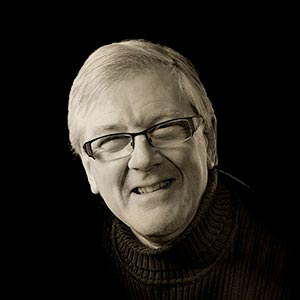
Let’s chat live on a video call first, free of charge and with no obligation, to answer any questions and concerns you may have before you make any booking. – Please email me, and we will arrange a date to talk in person.