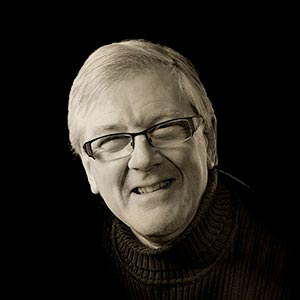
Dodge & Burn Technique.
Create “Visual Energy” in high-importance areas.
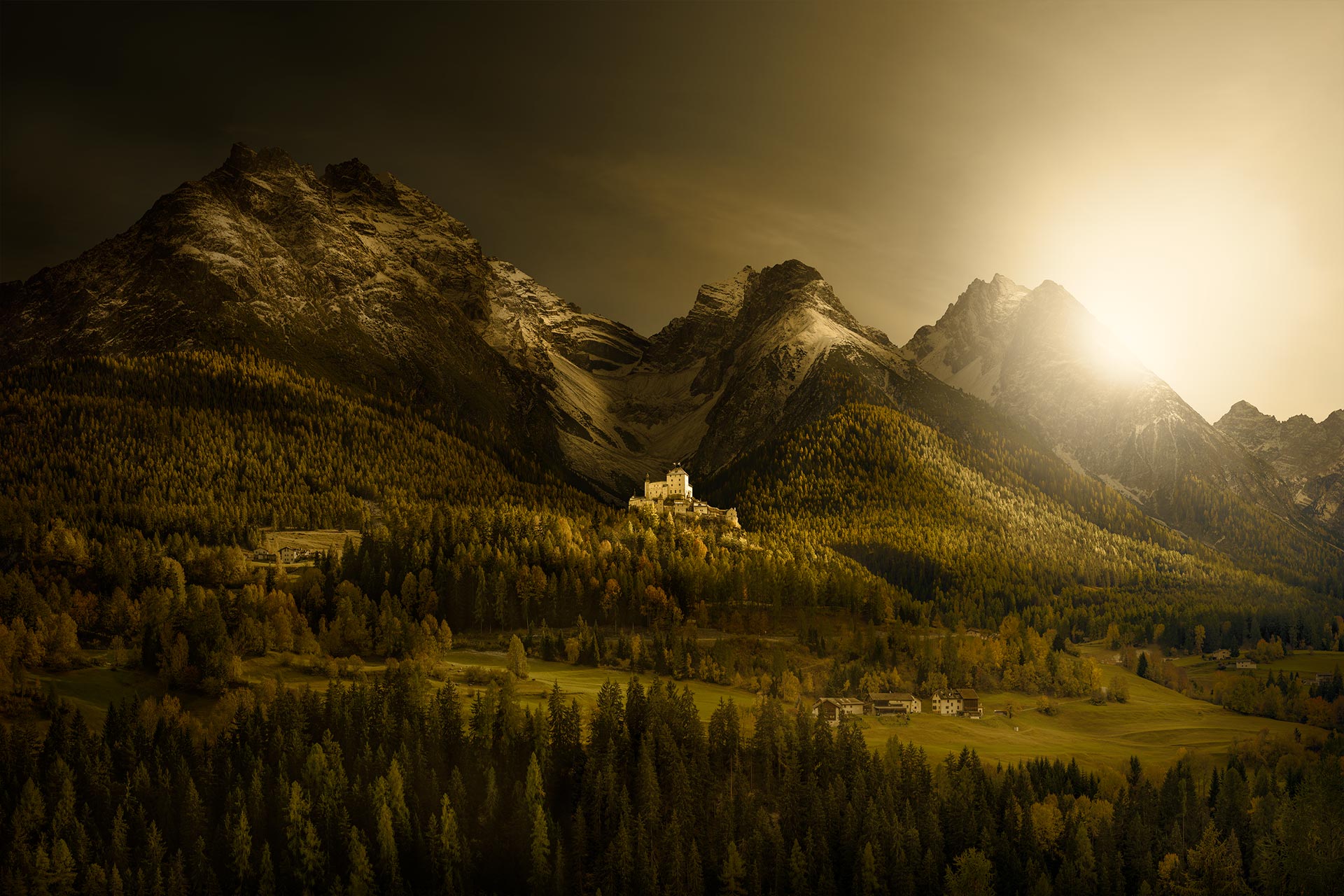
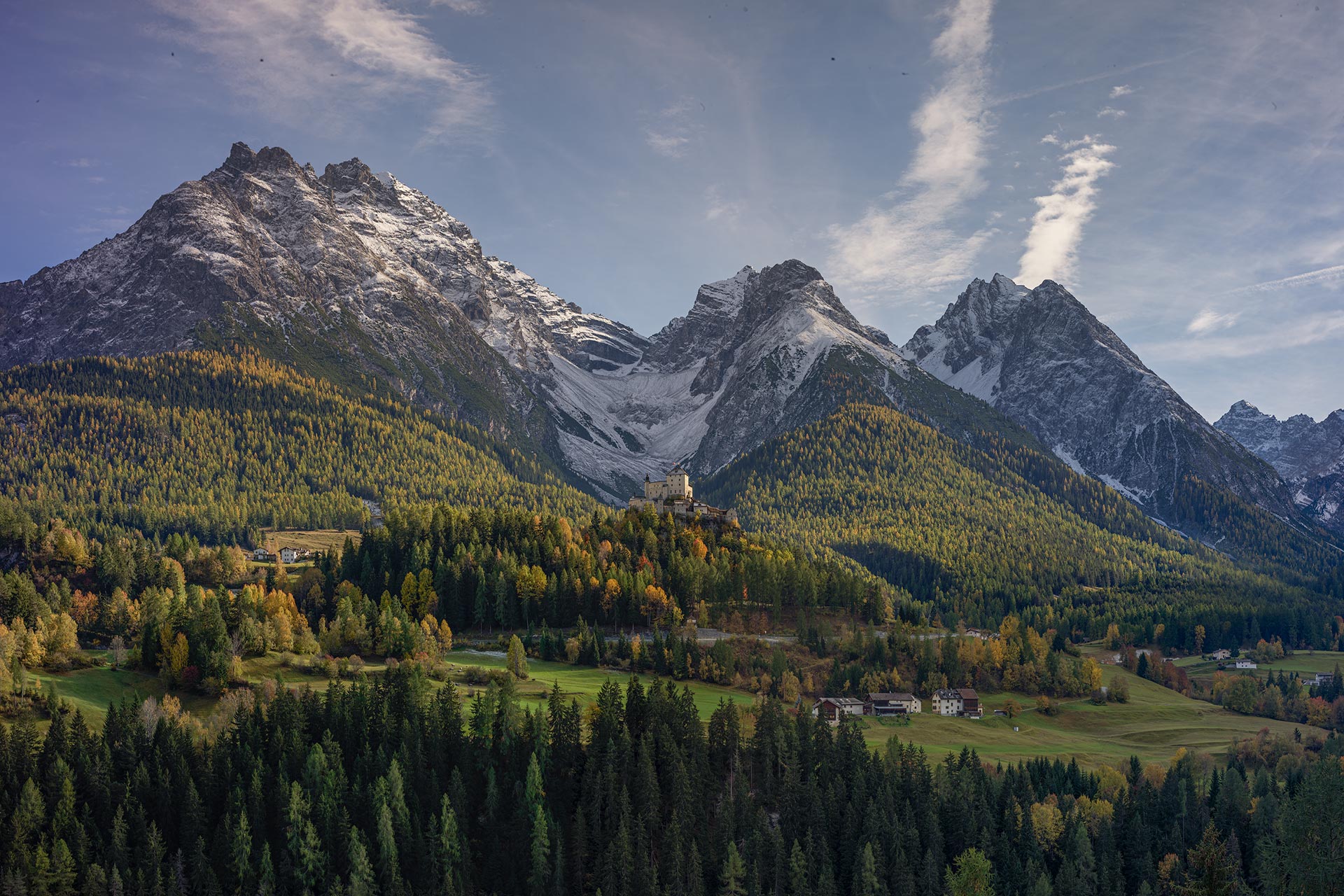
Masterclass Goal: How to create micro contrast and life.
Social media tutors have fundamentally misunderstood the logic of “Dodge and Burn”, teaching a “non-destructive grey-layer” technique that merely brightens or darkens small areas of the image. – Dodge and Burn is not about brightening or darkening a small area; it’s about increasing the micro-contrast in small details. When we increase the micro-contrast in a small area, that area comes to life. – The Dodge and Burn tools in Photoshop are the only tools to achieve this effect, and in order to use them, they must be applied to an image layer. However, this does not mean it’s a destructive process. The Dodge and Burn technique is so important that it accounts for about 30% of the final look of all my images.
Benefits for your Photography.
1. It’s based on science. An area of high micro contrast feels alive. It’s not opinion, it’s science. Small high-contrast areas trigger five times as many neurons to fire in the brain as flat areas. That’s why we feel those areas “come to life”. This effect is called “Visual Energy”. Dodge and Burn brings life to small areas of the image.
2. Focus the eye. We’re pre-programmed to be drawn to areas of “high importance” in images for visual efficiency. An area of “Visual Energy” with high micro-contrast is one technique to create this area of high importance, drawing the eye to the “hero” of our picture. The Dodge and Burn tools are how we create this powerful effect.
3. Variation and contrast. Two of the visual principles are “Variation” and “Contrast”. Variation means that when an area does not change, we perceive it as visually dull. Contrast also means contrasting one quality against its opposite. – The Dodge and Burn technique helps apply both of these core visual principles in our images.
4. Three-dimensional form. Areas of high micro contrast detail come forward, and flat areas recede. Dodge and Burn also enhances the three-dimensional illusion of form in objects. Not using the Dodge and Burn technique at all, or incorrectly, just means you are missing out on great opportunities to enhance your images.
5. Non-destructive workflow. The most popular argument against using the Dodge and Burn tools is that you use them directly onto the image, which is a destructive way of working. This argument is correct, but it assumes that your work cannnot be undone. This is false; my process can be undone at any time and by any amount.
Requirements & Free Video Recordings.
Sessions are held online via Zoom video conferencing. I will email you a meeting link before the session, and sessions are recorded live as documentation. – Please note: These recordings and their content remain the copyright and intellectual property of David Osborn. – They are for your private use only and may not be shared, reproduced, or used commercially, including on social media. Enrollment constitutes your agreement to these terms. I teach using Photoshop; the concepts taught can be applied to any image-editing software. Photoshop just allows greater control and better creative freedom.
Let’s Talk …
Let’s chat live on a video call first, free of charge, with no obligation, and answer any questions or concerns you may have before making a booking. Just email me, and we will arrange a date to talk in person.
David Osborn Photography
69 Grange Gardens, Southgate,
London N14 6QN, England.
UK +44 (0) 771 204 5126
David@DavidOsbornPhotography.com