
Exposure Blending.
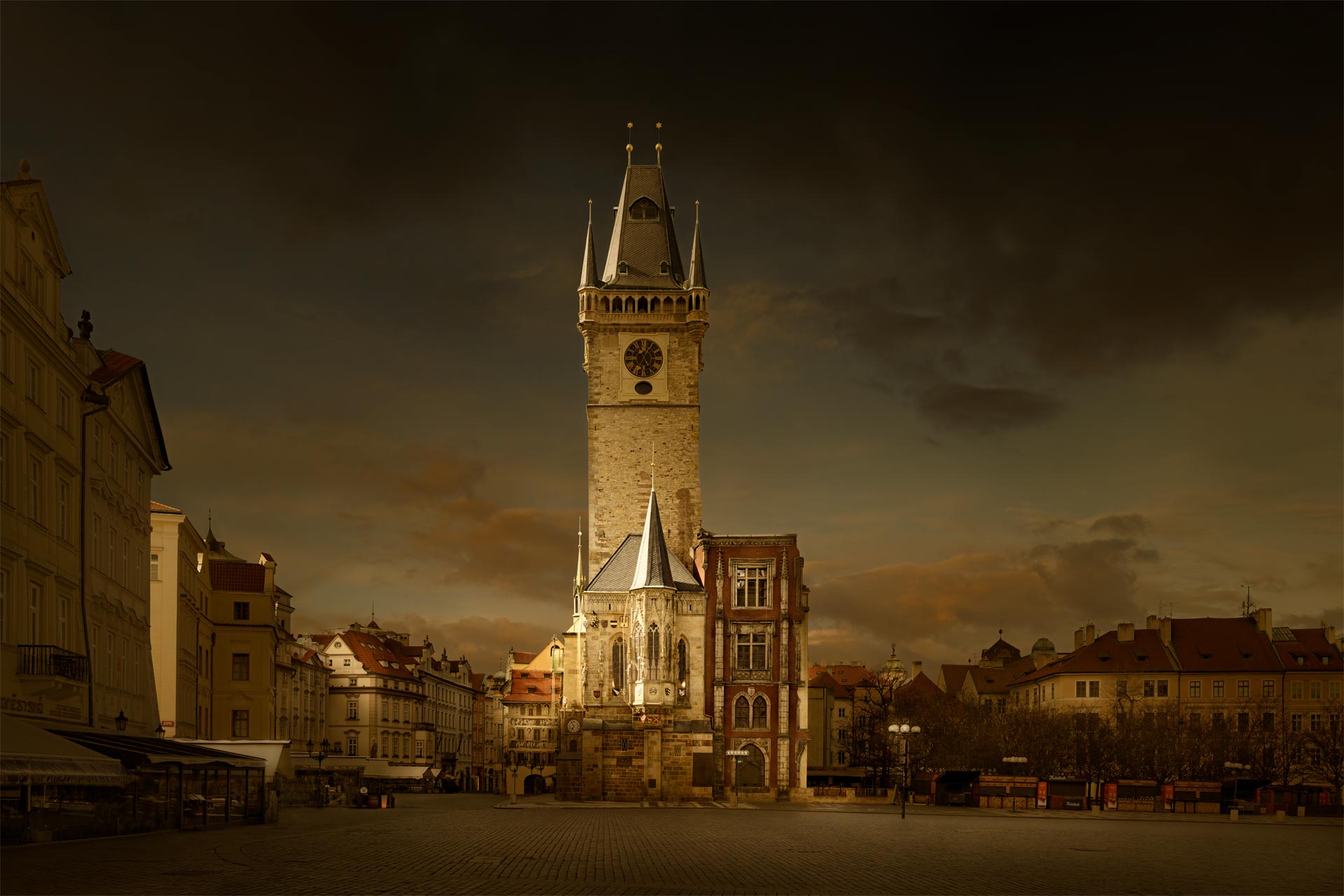
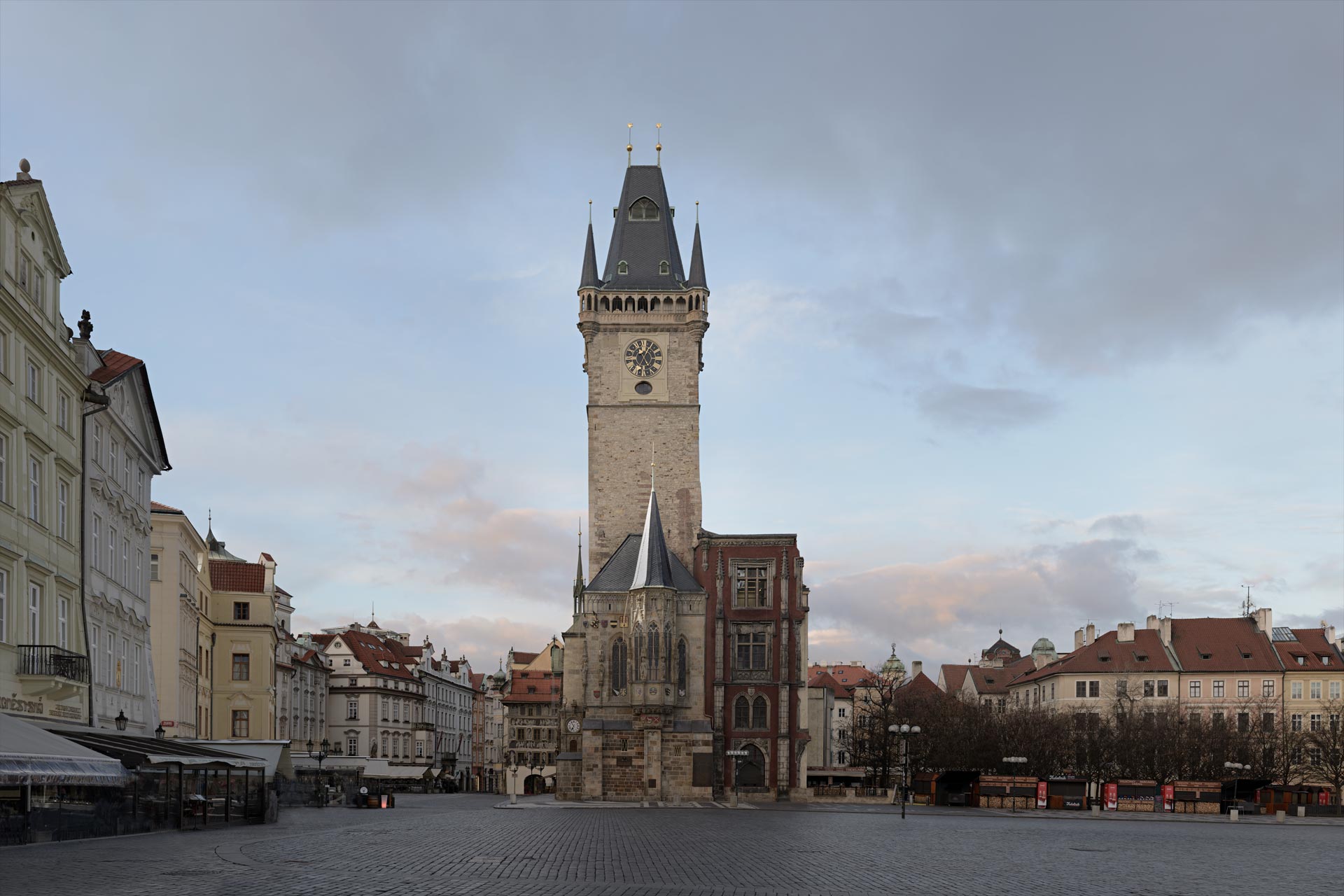
Blend multiple exposures together for perfect compositing.
The Masterclass Goal: Artefact Free Compositing.
This is the most important general Photoshop course. Why? Because it teaches you many universal principles for working with Photoshop in one course. – First, there are two techniques to composite different exposures: blending and masking. Blending is the first go-to choice for maximum quality. Because we’re only painting one area into another, we don’t need to worry about object edges. It’s when we get involved with edges that we create artefacts. – However, this course also teaches you how see Photoshop as a problem-solving exercise, and additionally, the brushing technique will dictate the quality of your image. This course teaches you the correct brushing technique to create artefact-free images.
Benefits for your Photography.
1. Protect the artistic illusion. Artefacts are the killer of the illusion; they remind the viewers, “this has been retouched”. With just good brushing technique alone, many common artefacts, such as halos, can be avoided. Photoshop is not about knowing an enormous number of techniques; it’s about a few techniques done very well.
2. Retaining image quality. There is a simple truth: “When we manipulate the data, we degrade the quality of the data”. Therefore, the more we can blend one camera exposure into another without altering that data, the more we preserve its quality as we create our picture. Blending preserves the data and, therefore, image quality.
3. Craftsmanship over HDR automation. Automated HDR processes always create an unnatural HDR look. Blending done well allows you to solve HDR problems with a totally natural feel. As a photographer, this allows you to shoot with confidence in any extreme-contrast situation and know you will create the result you want.
4. Photoshop is problem-solving. This course teaches you how to identify a specific problem, break that problem down into smaller problems, then solve each smaller problem. This way, you solve the larger and far more complex problem. Photoshop requires a particular way of thinking to be efficient; I teach you this way of thinking.
5. Creative freedom. Blending allows you to shoot like a photographer, but create like a painter. Blending is the technique that allows you to control the light, mood, drama, and atmosphere in a picture. The main technique that creates your personal artistic vision and style. Where you take full control over the photographs’ look.
David Osborn Photography
69 Grange Gardens, Southgate,
London N14 6QN, England.
UK +44 (0) 771 204 5126
David@DavidOsbornPhotography.com
Let’s Talk.
Let’s chat live on a video call first, free of charge and with no obligation, to answer any questions and concerns you may have before you make any booking. – Please email me, and we will arrange a date to talk in person.